The guide library · 13 practical guides
A clearer next step
for your digital life.
Choose a topic or start with one small account check. Each guide gives you clear steps and a sensible place to stop.
Find a guide in the full libraryNew here?
Start with your main email.
Protect your main email first, then work through cloud, financial, and mobile accounts when you have time.
Browse by topic
Find the right place to start
These collections bring related guides together, including the order that makes most sense for a first visit.
Account protection
Start with email and other key accounts, add safer sign-in methods, and keep a practical route back in.
Explore this topic 5 guidesFamily backups
Understand what is syncing, keep a separate copy of important files, and avoid losing access during account or device changes.
Explore this topic 5 guidesPhones and devices
Prepare for a new phone, keep sign-in access during a move, and make sensible privacy choices on home and travel networks.
Explore this topicAll guides
Every practical guide
Find an answer for the task in front of you.
13 guides to explore
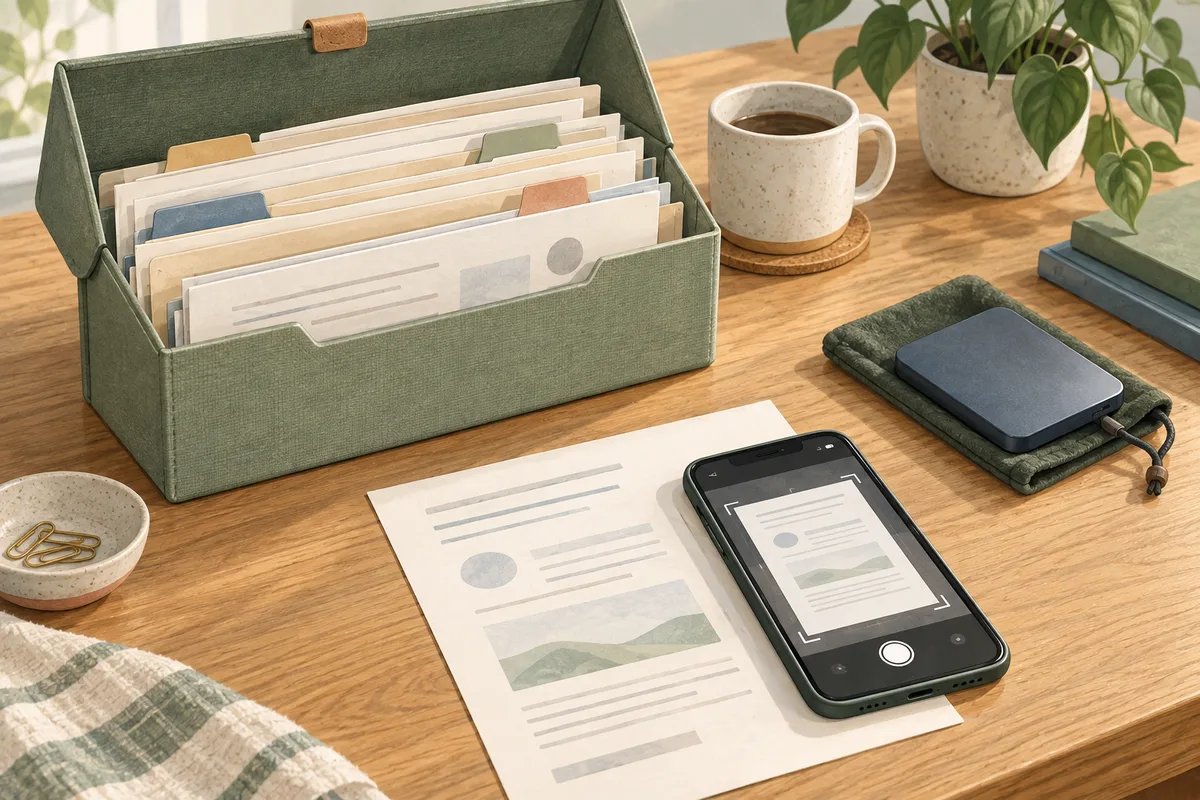
How to back up important family documents
Make a protected backup of a small set of household documents and open a test copy from it.

Cloud sync vs backup: what families should know
Identify what protects one important folder and open a recovery copy without changing the originals.

How to protect your mobile carrier account
Check one mobile line's account access, transfer protections, and recovery route.

Shared vs separate accounts: a guide for families
Choose the right access for one household service and check who can see or change it.

How families can start using a password manager
Protect a password vault and practise signing in to one low-stakes account.

How to store recovery codes safely
Keep one protected recovery-code copy outside the account it unlocks and check how you would reach it without your phone.

Passkeys for families: what to know before you start
Try one passkey on a non-urgent account, confirm where it is stored, and check your recovery options.

What to do if your email account is hacked
Follow the official recovery route, review unwanted access, and check connected accounts and contacts that may be affected.

Does your family need a VPN? A practical guide
Decide whether a VPN addresses a real household need and, if you choose one, test it on one device first.
Account protection for families: secure the essentials first
Review the sign-in protection and recovery options for your main email.
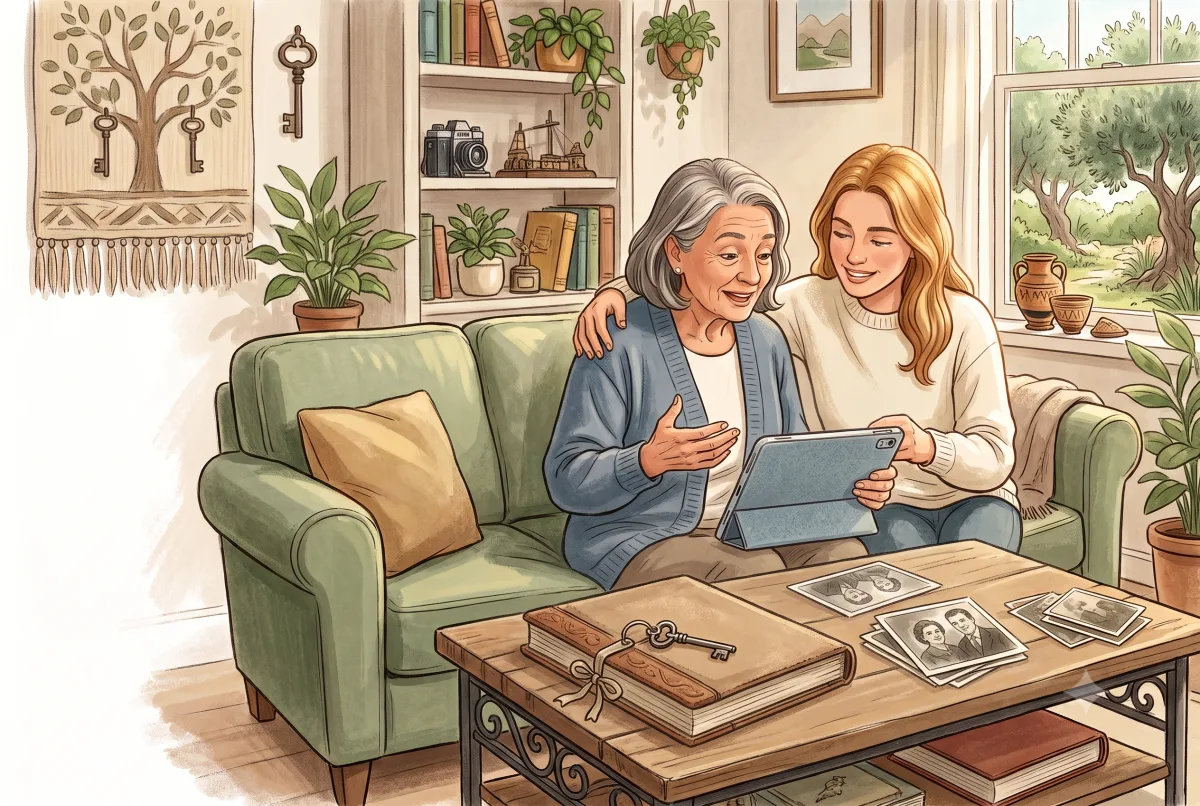
Back up family photos without relying on one account
Copy one important photo folder outside your main photo account and check that the copy opens.
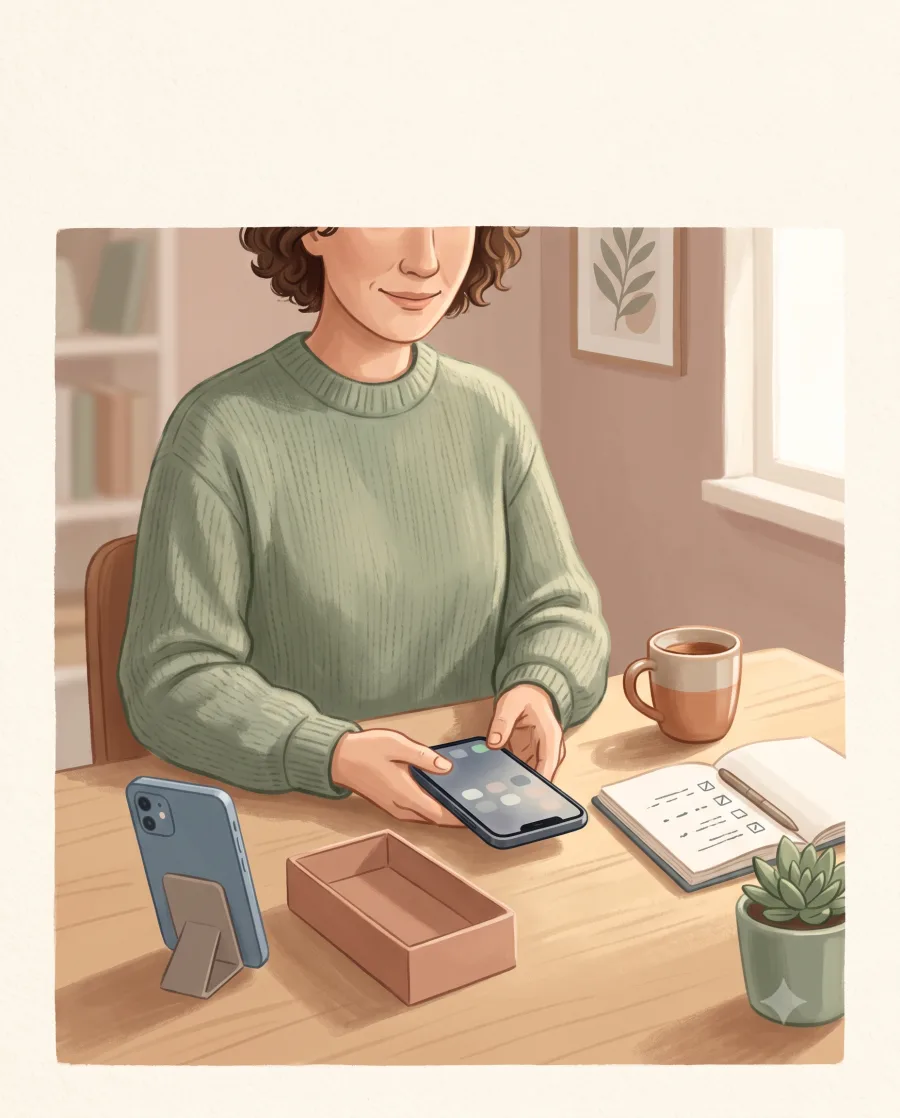
New phone setup: keep your accounts and photos safe
Transfer your data and verify important sign-ins before erasing the old phone.
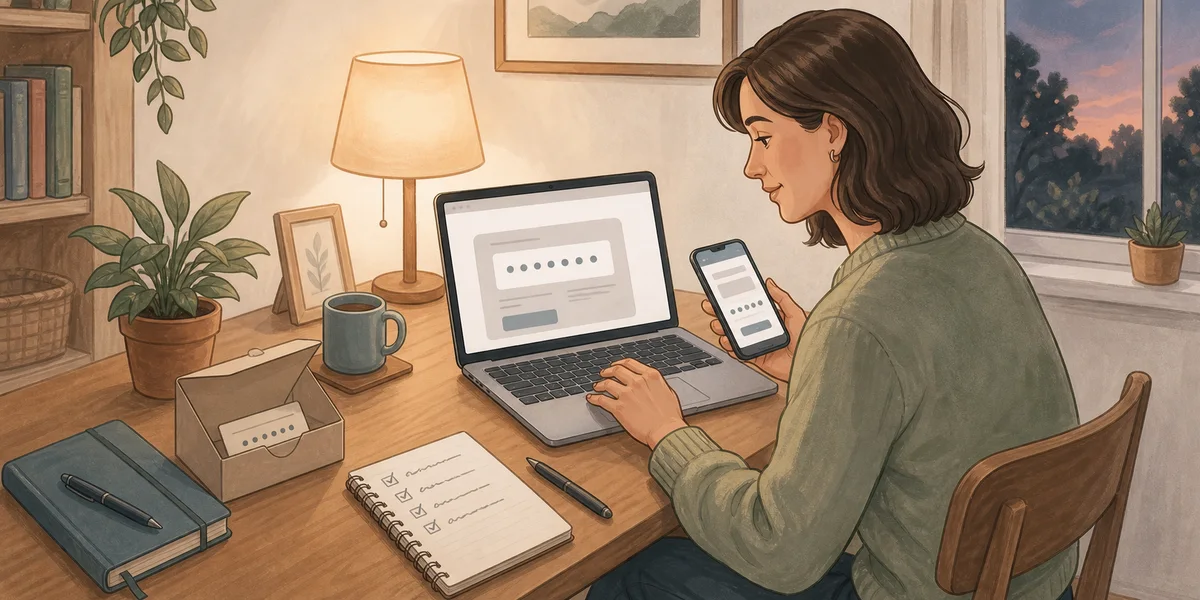
Turn on two-step verification without getting locked out
Add a second sign-in step to your main email, save recovery options, and test the setup while keeping a trusted session open.
No guides match yet.
Try a shorter search, another topic, or clear the filters to see the full library.