
Family backups and data care
Look after family photos and important data
Family data often lives across phones, cloud accounts, and old devices. A calm backup plan starts with knowing where the files are, making another copy, and checking that you can open it.
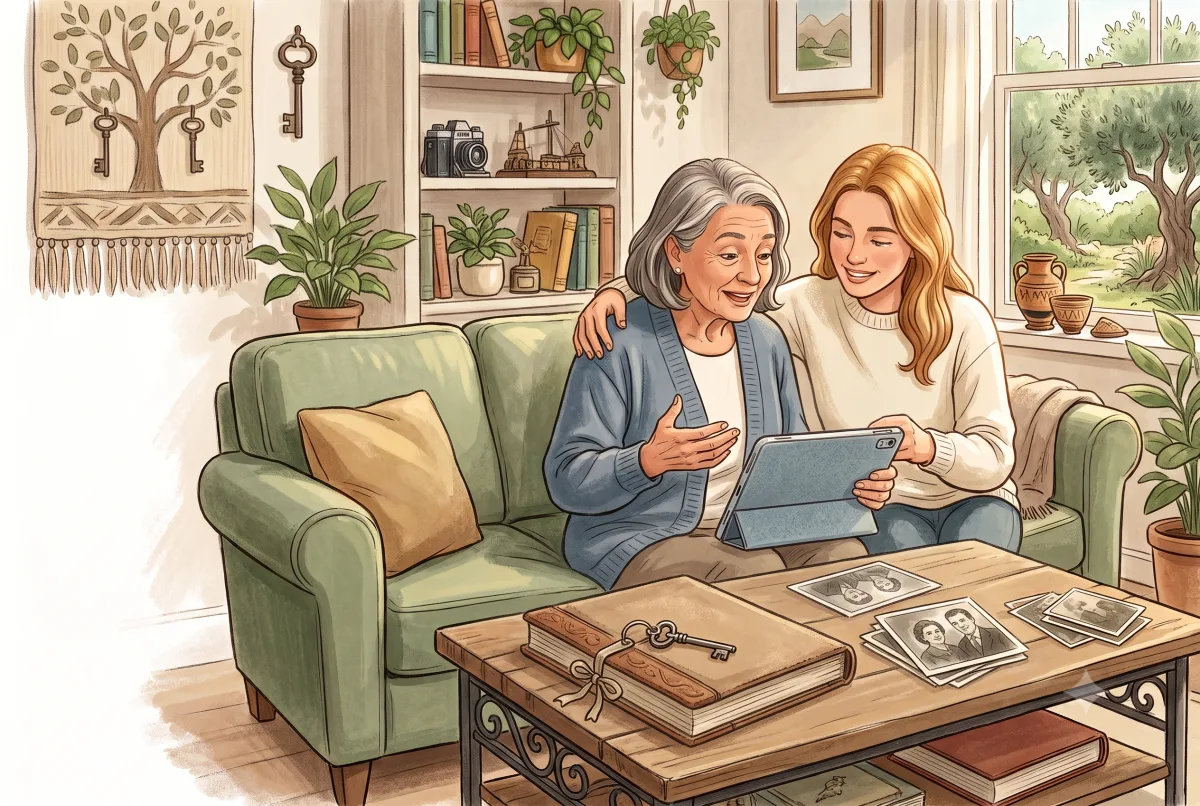
A good first step · 8 min
Back up family photos without relying on one account
Make a second copy of important photos, understand syncing, and check that your backup can actually be opened.
Start with this guideContinue at your pace
Guides in this collection
Choose the guide that matches what your household needs today. You can stop after one useful change.
Back up family photos without relying on one account
Copy one important photo folder outside your main photo account and check that the copy opens.

Cloud sync vs backup: what families should know
Identify what protects one important folder and open a recovery copy without changing the originals.
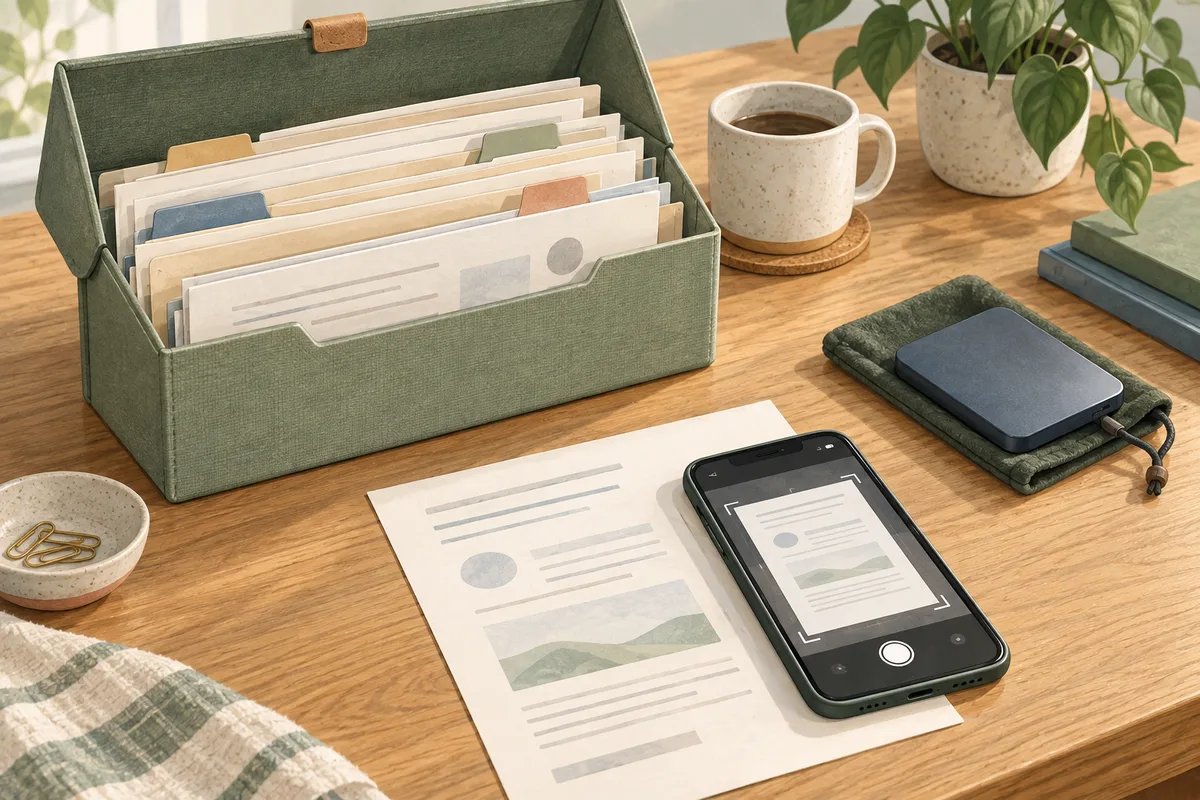
How to back up important family documents
Make a protected backup of a small set of household documents and open a test copy from it.

New phone setup: keep your accounts and photos safe
Transfer your data and verify important sign-ins before erasing the old phone.

Account protection for families: secure the essentials first
Review the sign-in protection and recovery options for your main email.