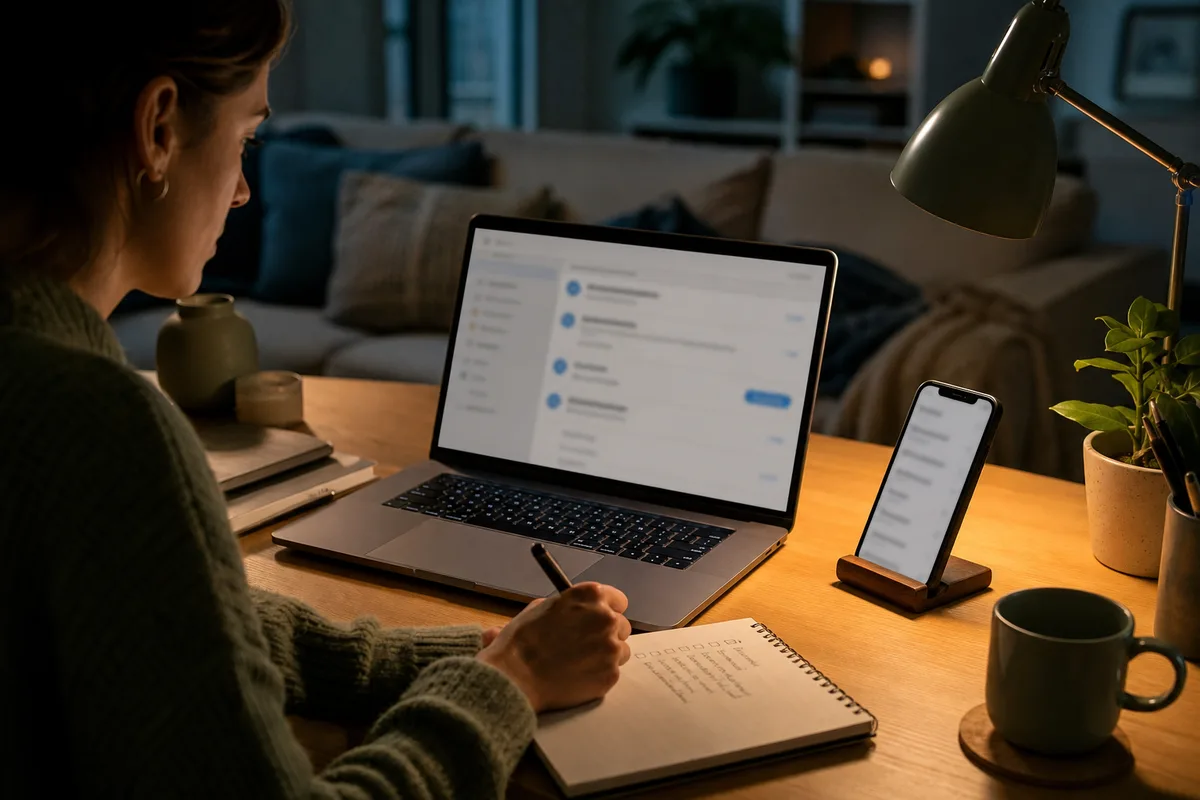

Recovery codes are emergency sign-in credentials. They can help when your phone is lost, replaced, or unavailable, but anyone who gets a valid code may be able to use it.
Know what kind of code you have
Services use similar names for different recovery tools:
- A set of single-use backup codes
- One long recovery code
- A recovery key that changes the normal account-recovery process
- A code generated during two-step verification setup
Read the provider’s explanation before saving or replacing anything. Creating a new set often invalidates the old set, but the exact behavior depends on the service.
Do not keep the only copy in the same account
A screenshot in the photo library may sync to the same cloud account the code is supposed to unlock. A file in that account’s drive can create the same problem.
Choose at least one location that does not depend on that account or your everyday phone.
Practical options include:
- A printed copy stored with important household documents
- An encrypted password manager that you can recover independently
- An encrypted removable drive kept in a secure place
You do not need all three. One well-protected independent copy is better than several copies scattered through messages, notes, and downloads folders.
Label it without exposing more than necessary
Write enough information to understand what the code is for, such as the provider and account owner. Avoid adding the account password beside it.
If several adults have codes, use a simple private inventory. Record the account name, where the code is stored, and the date it was generated. Do not put the code itself in the inventory unless the inventory is properly protected.
Decide who should be able to reach it
For a personal account, access may belong only to you. For a shared household responsibility, another trusted adult may need to know where recovery instructions are kept.
Knowing the location is not the same as sharing the code in everyday messages. Avoid sending recovery codes through ordinary email, text, or family group chats.
Replace a code when needed
Generate a new code or set when:
- You used one and the service treats it as single-use
- A printed or saved copy is missing
- Someone else may have seen it
- The provider tells you the set is no longer valid
- You changed the account’s recovery setup
After generating a replacement, remove old copies. Confirm from the provider’s settings that the new code is active before depending on it.
Test the plan without locking yourself out
Do not sign out of every device just to test a recovery code. Keep one trusted session open, check the provider’s instructions, and confirm that you know where the alternative sign-in option appears.
If the service provides several codes, you may choose to test one and mark it used. Do not test a single recovery key unless the provider explicitly explains a safe process.
For the rest of the setup, follow the two-step verification guide.
Your sensible stopping point
You are done when one valid recovery copy is stored separately from your everyday phone and account, old copies have been removed, and a trusted person knows where to find instructions if that is appropriate for your household.